Minecraft Theme
Free
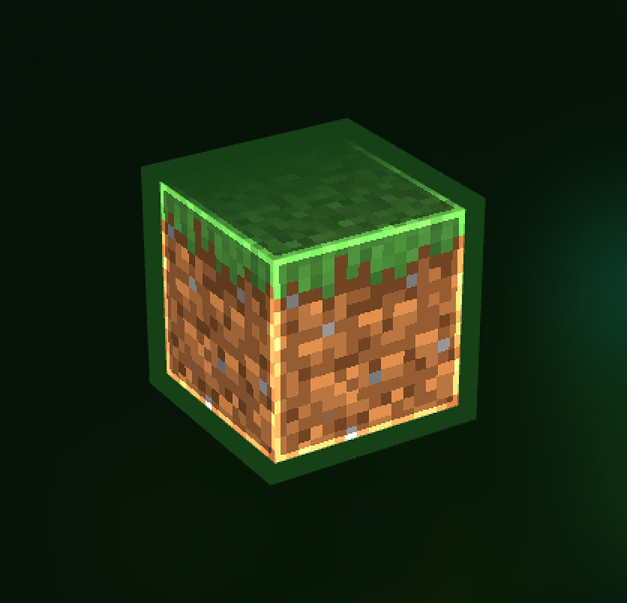
# Minecraft Theme **Lode Studio, dressed up as Minecraft.** Blocky text, pixel icons, green buttons and square corners, from your home screen to the code editor. ## What changes - **🟩 Minecraft font everywhere**: menus, titles, item names, server addresses, and code in the editor too. - **🧱 Pixel-art icons**: over 600 of the app's icons are redrawn as pixel art. Tools and items like the pickaxe, axe, sword, shovel, egg, wheat and potion are traced from real Minecraft items. - **📁 Pixel file browser**: folders and file icons are redrawn in pixels. Your folder colours stay exactly as you set them, and item previews still show inside their icons. - **🎨 Green on very dark grey**: bright grass-green highlights on deep grey panels. - **🔲 Minecraft-style buttons**: solid green and grey buttons with a hard black edge and a bevel, like the game's menus. - **📐 Square corners and clear outlines**: no rounded corners anywhere, and crisp 2px outlines around cards, inputs and menus. ## Getting started Install it and the theme switches on straight away. To change it later, go to **Settings › Display › Theme** and pick **Minecraft**, or switch back to Dark, Light or Auto at any time. Switching away removes everything the theme changes. ## Credits - Pixel icons by [pixelarticons](https://github.com/halfmage/pixelarticons) (Gerrit Halfmann, MIT licence). - "Minecraft" font by Craftron Gaming. *Not affiliated with Mojang or Microsoft.*